Book an appointment
Book with your doctor in the app, or from the booking link your doctor sends you, without signing in.
In the app
- 1
Choose your doctor
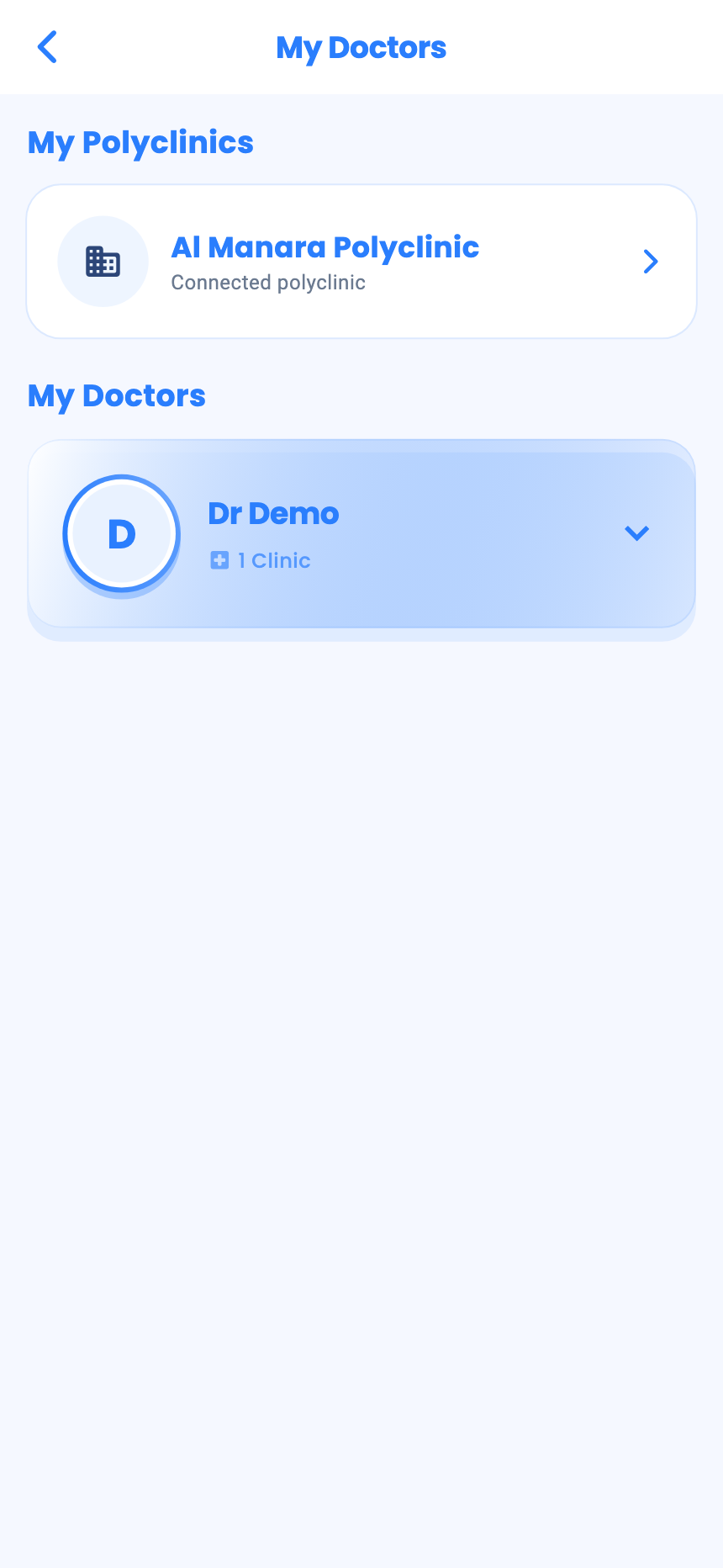
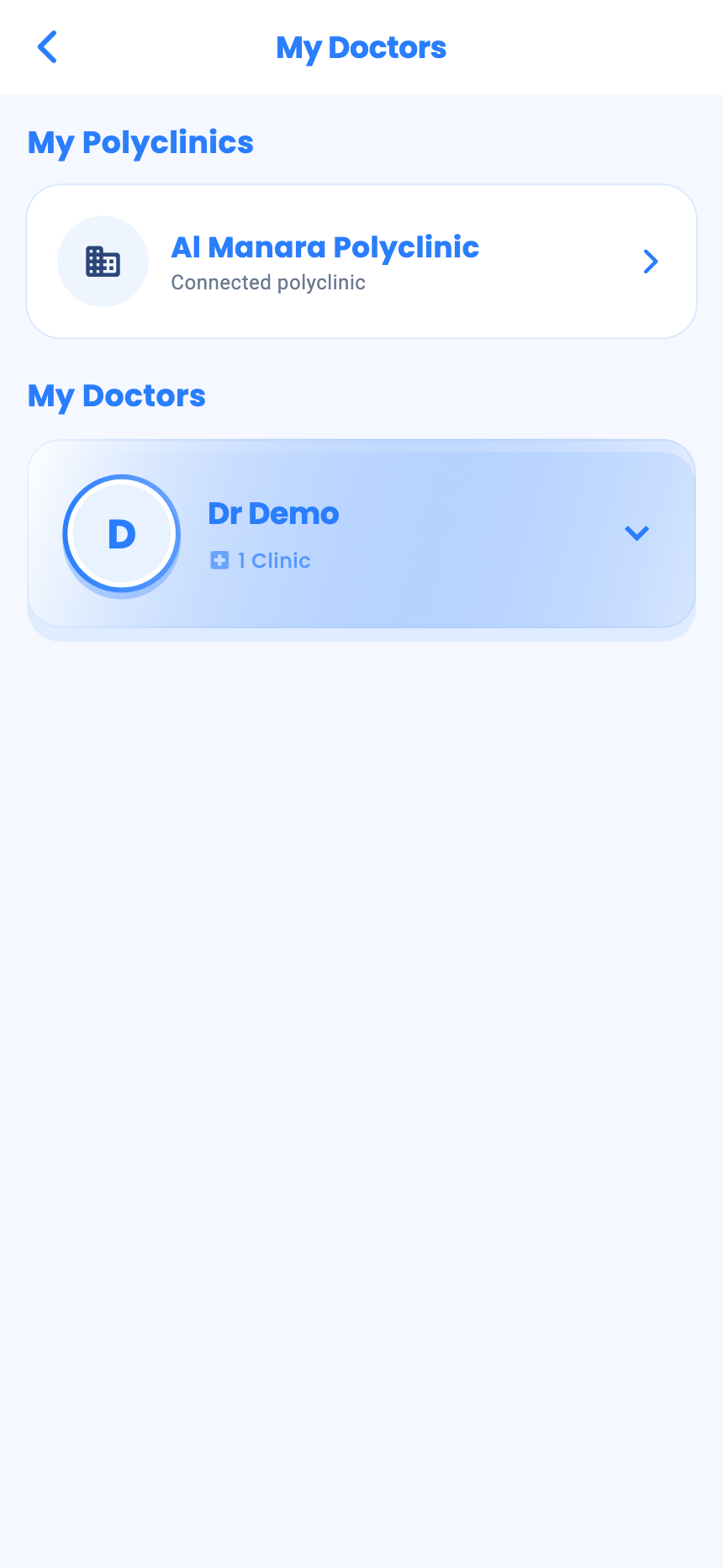
On Dashboard, tap Book appointment. My Doctors lists doctors you've already seen, and My Polyclinics your polyclinics.
- 2
Pick a date
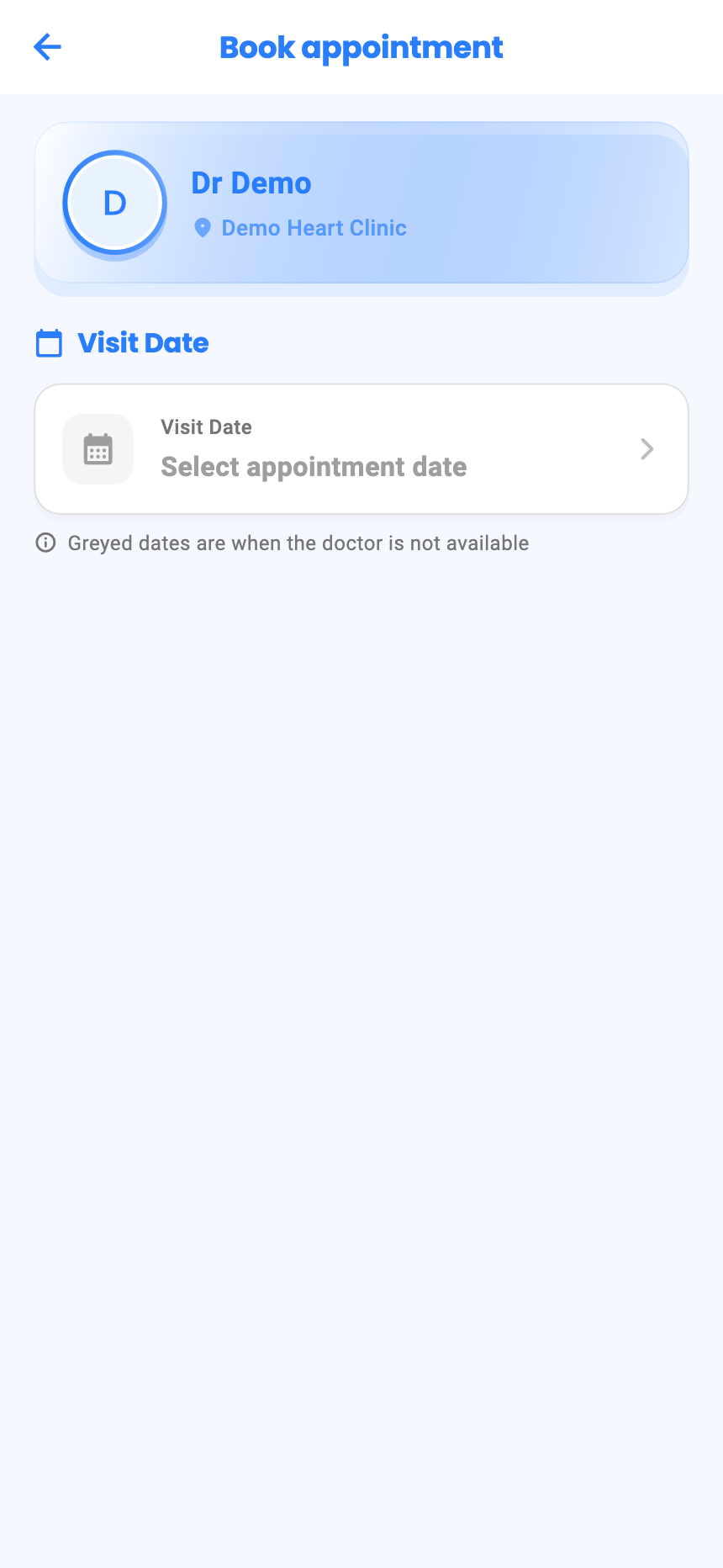
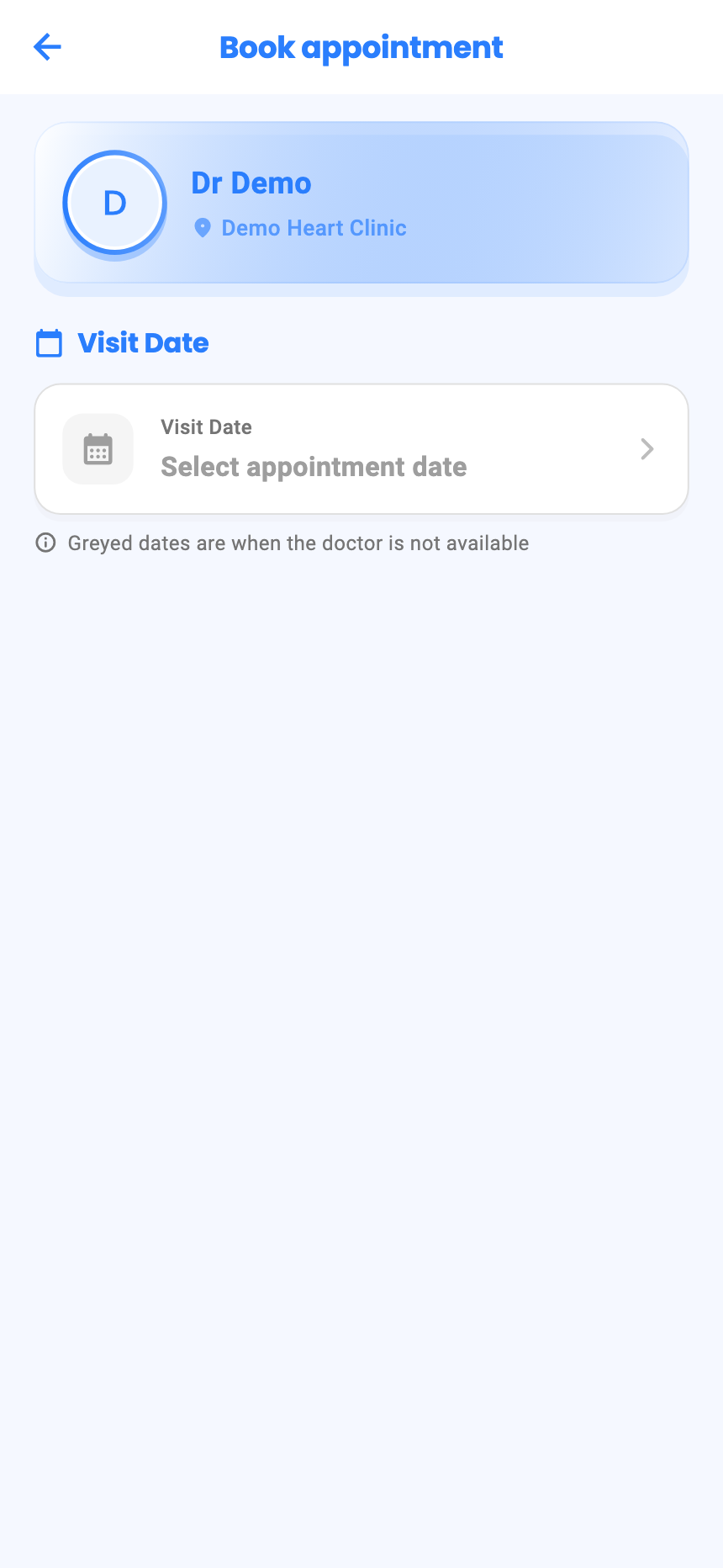
Open the doctor, choose the clinic and tap Book Appointment. Then Select appointment date: greyed days are when the doctor isn't available.
- 3
Pick a time and book
Choose New Visit or Follow-up, tap Show available times, pick a time and tap Confirm & Book.
- 4
See or cancel your bookings
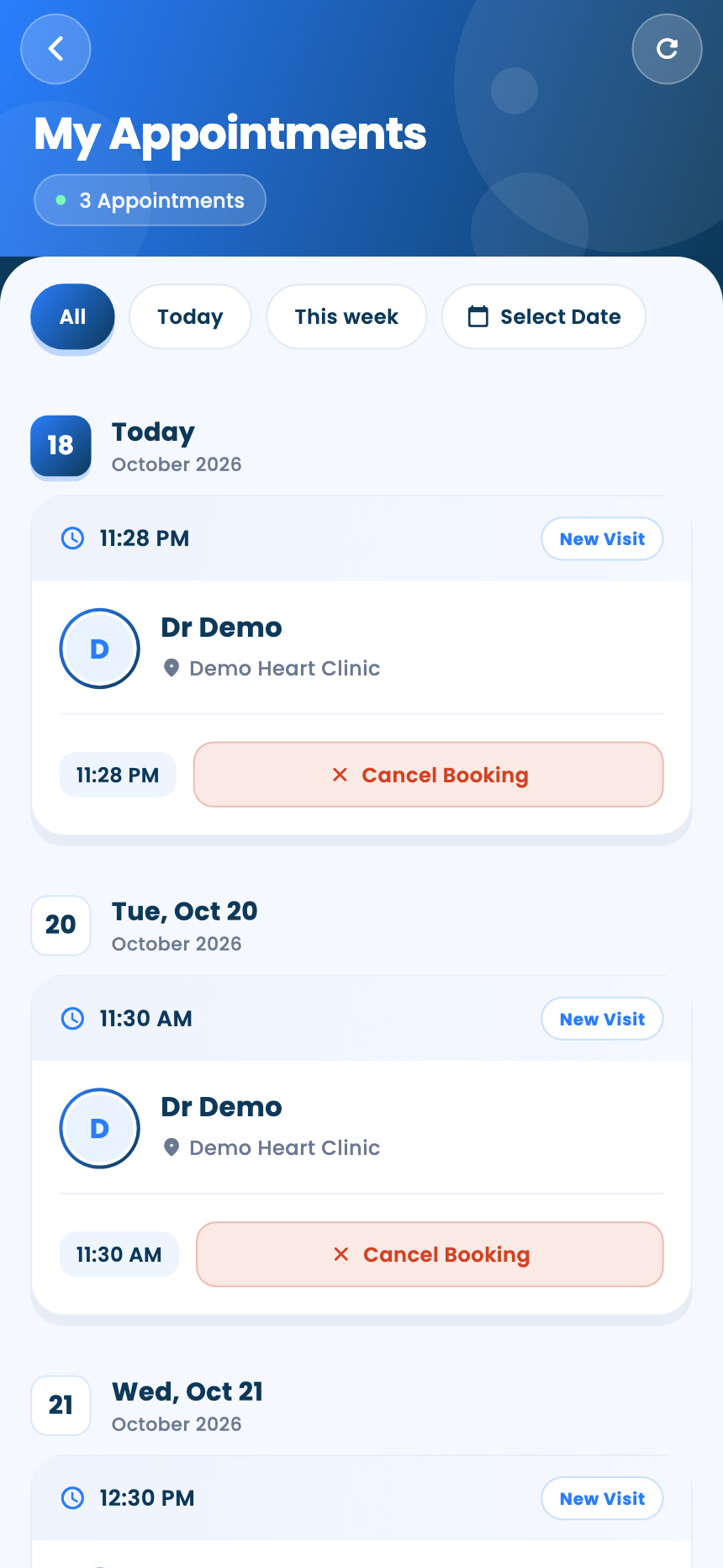
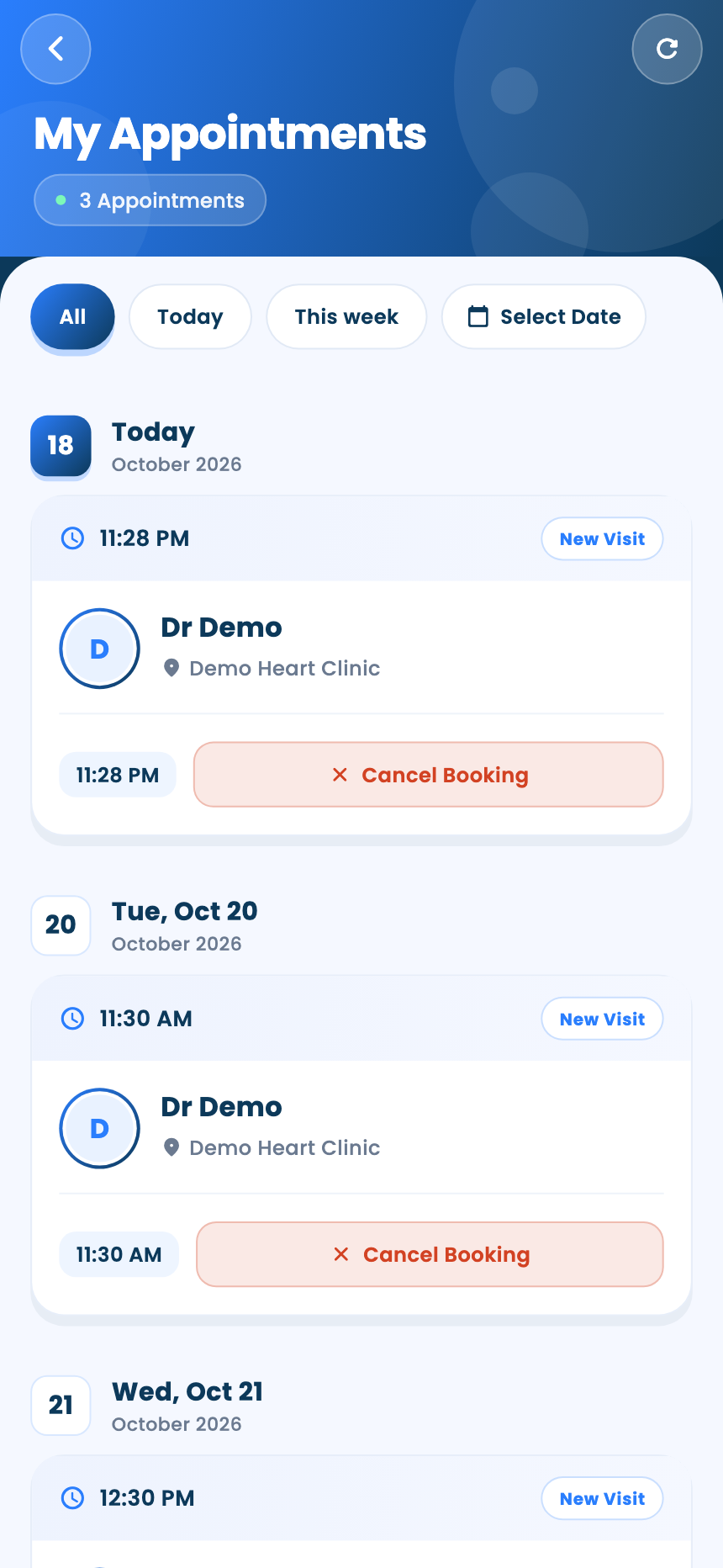
My Appointments lists your bookings, filtered by All, Today or This week. Cancel Booking cancels one.
From your doctor's booking link
- Open the link · Only on the web portal
- Choose the clinic and visit type · Only on the web portal
- Pick a day · Only on the web portal
- Pick a time · Only on the web portal
- Confirm your phone number · Only on the web portal
- Finish the booking · Only on the web portal
Questions and answers
Why can't I pick some days?
Greyed days are when the doctor isn't available.
My doctor isn't in My Doctors. How do I book?
That list shows doctors you've already seen. To book with a new doctor, use the booking link they send you.
How do I cancel a booking I made from a link?
Sign in to the app, open My Appointments and tap Cancel Booking.
On the web vs in the app
| What | Web portal | App |
|---|---|---|
| Which doctors | The doctor whose link you opened | Doctors and polyclinics you've already seen |
| Signing in | Not needed; you confirm your phone with a code | You're already signed in |
| Cancelling | From the app, once you sign in | My Appointments |
What's next
Updated: 18 October 2026
Still stuck?
Our team answers on WhatsApp and email.