Move a visit through its statuses
Mark the patient as arrived, start and end the visit, and change a status by hand when plans change.
A visit's day
- 1
The statuses
Booked, then Waiting once the patient arrives, then Current during the consultation, then Completed. A visit can be Cancelled at any point.
- 2
Mark the patient as arrived
Open the visit and tap Patient Arrived.
- 3
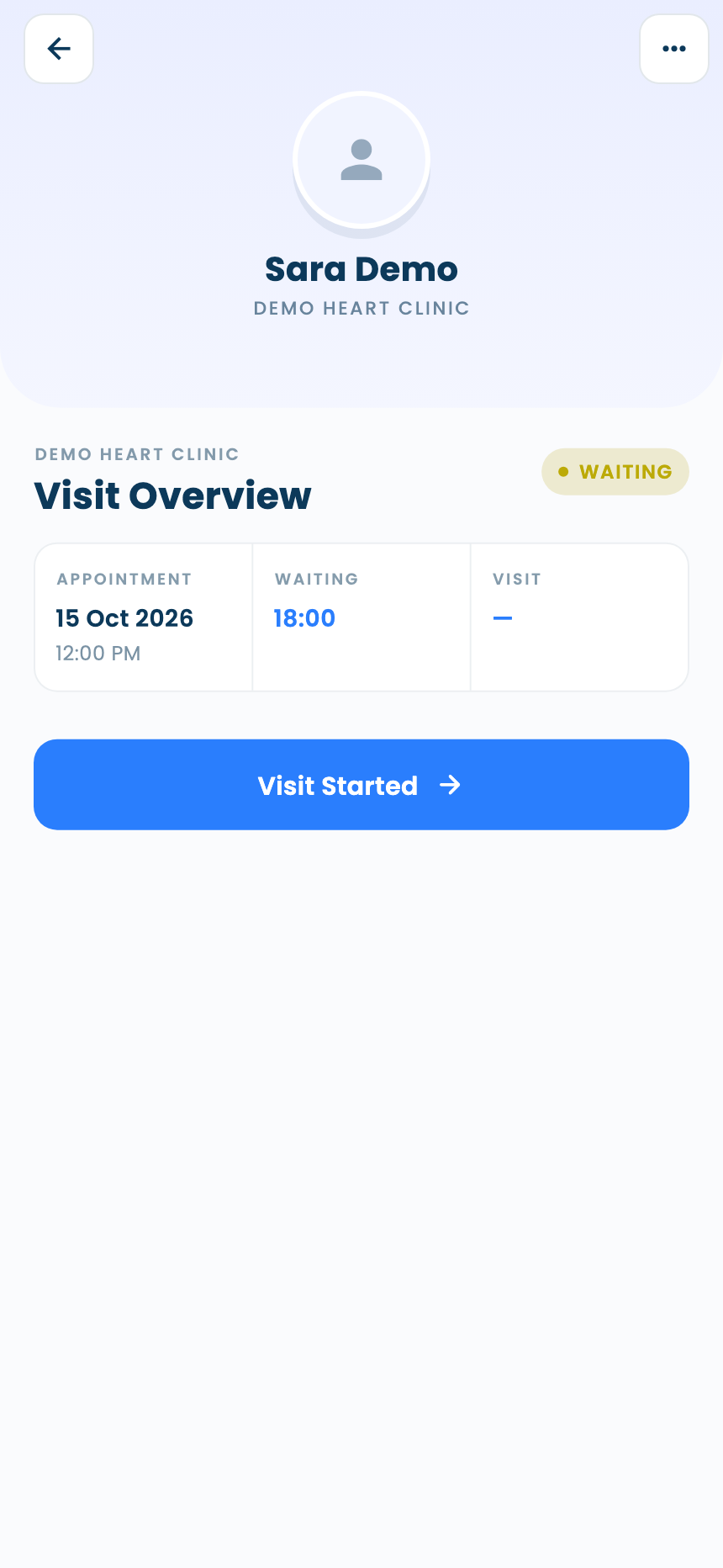
Start the visit
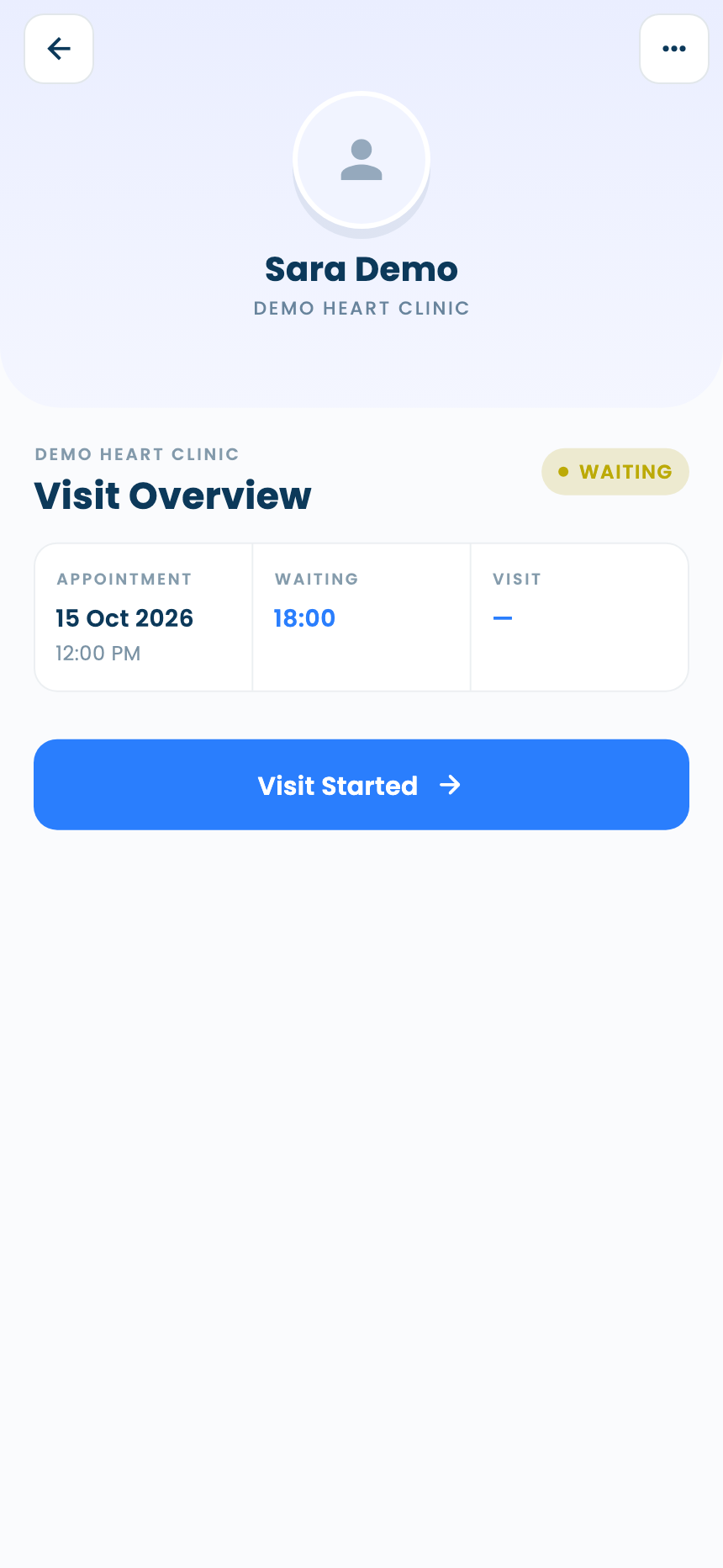
The visit's button now reads Visit Started: tap it to start.
- 4
End the visit
Doctors tap End Visit. Assistants can close a visit too, with Visit Completed.
When plans change
- 2
Visits left waiting
A visit still in Waiting 6 hours after the patient arrived is cancelled automatically overnight, so yesterday's queue doesn't carry over.
Questions and answers
Why was a waiting visit cancelled?
A visit still in Waiting 6 hours after the patient arrived is cancelled automatically overnight.
Can an assistant complete a visit?
Yes, with Visit Completed. Assistants don't write the consultation, though: the doctor's comments show to them read-only.
On the web vs in the app
| What | Web portal | App |
|---|---|---|
| Moving a visit along | A button on each row of the visits list | One main button inside the visit |
| Who can complete a visit | Doctors, by ending the consultation | Doctors and assistants |
What's next
Updated: 18 October 2026
Still stuck?
Our team answers on WhatsApp and email.