Sign in and choose your account
Sign in with your phone number and a one-time code, pick the account you want to use, and switch accounts or language later.
Web portalAppFor: Doctors, Assistants, Patients
Sign in
- 1
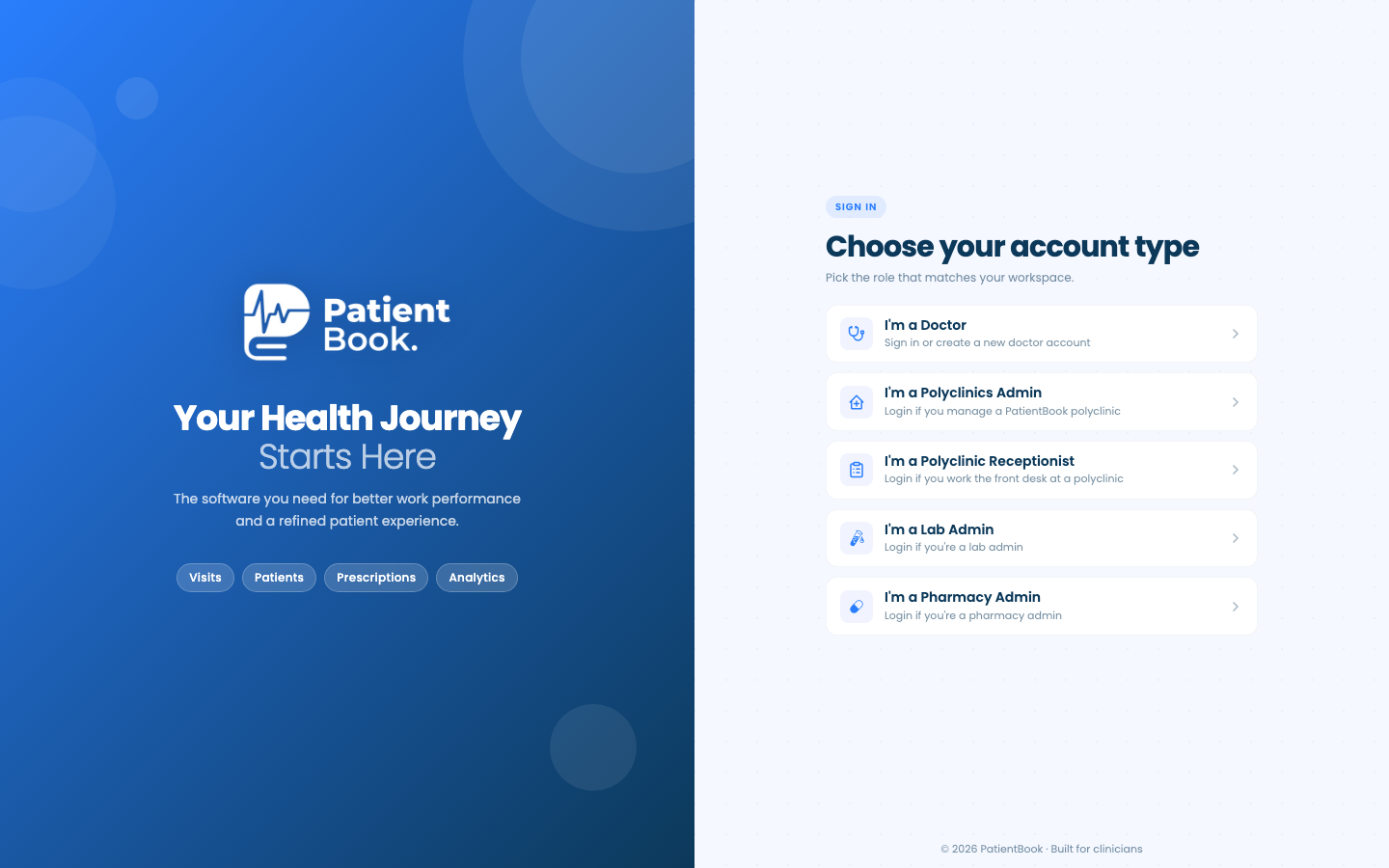
Open the sign-in screen
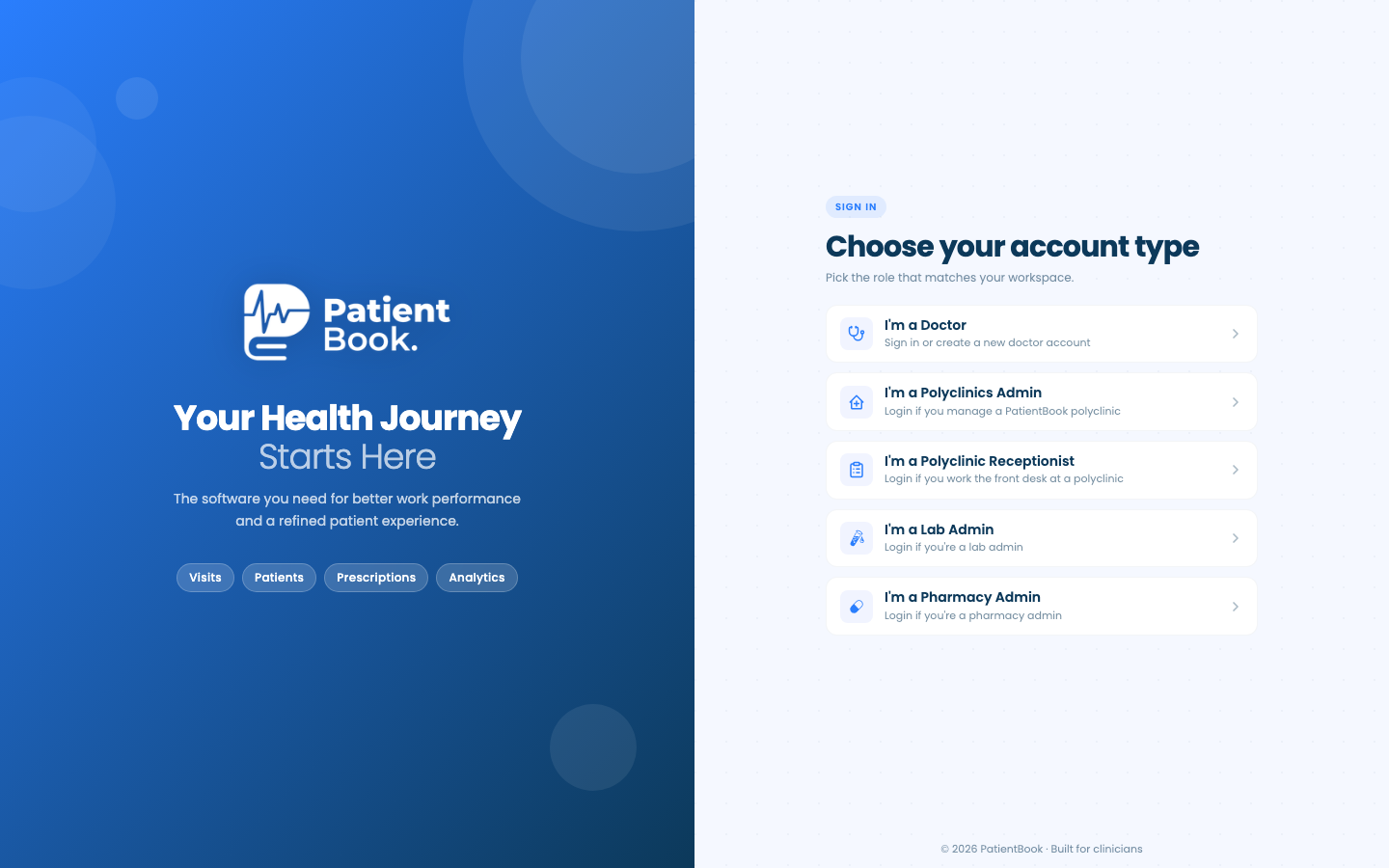
Go to portal.patientbook.app and choose I'm a Doctor. The web portal is for doctors; assistants and patients use the app.
- 2
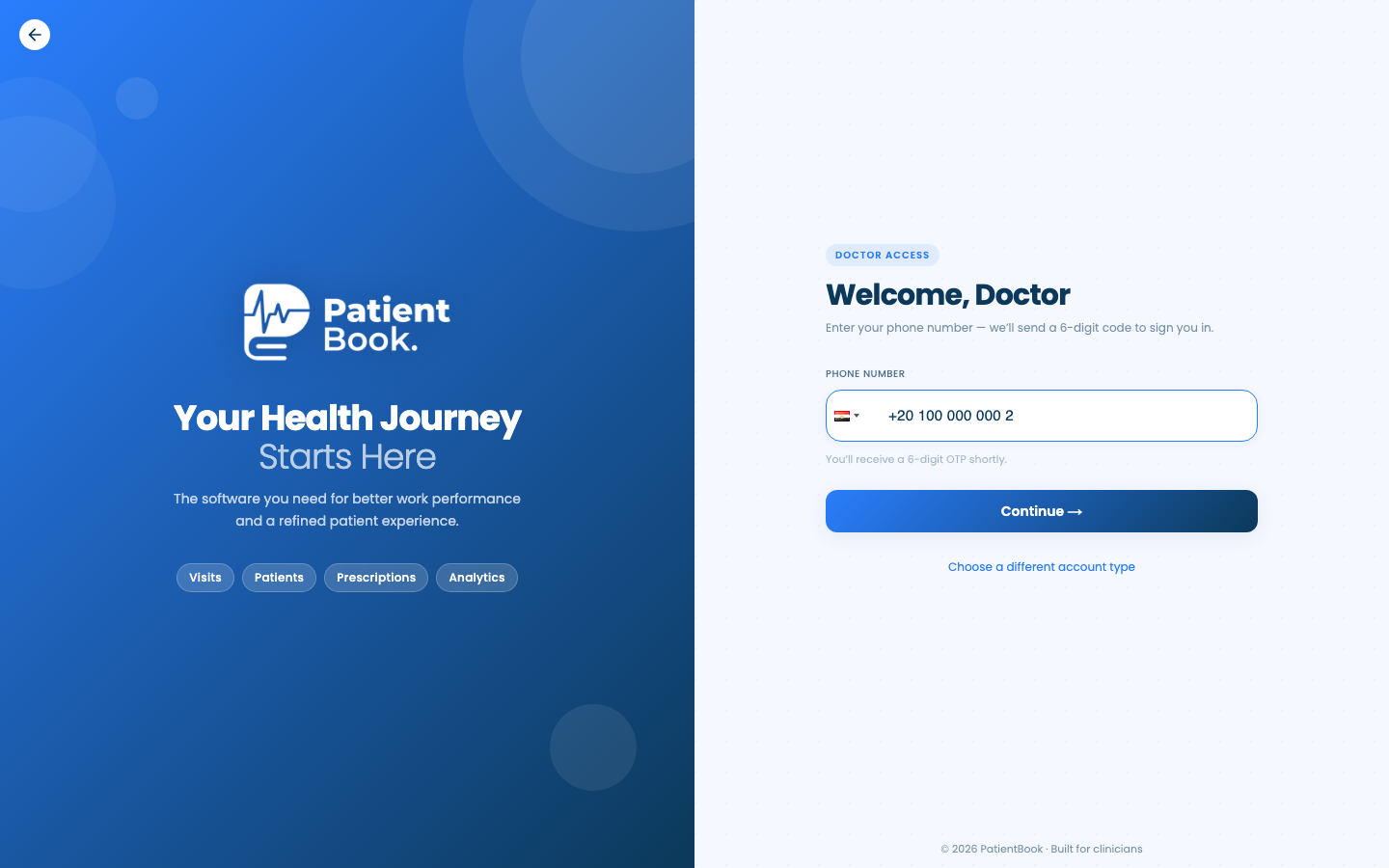
Enter your phone number
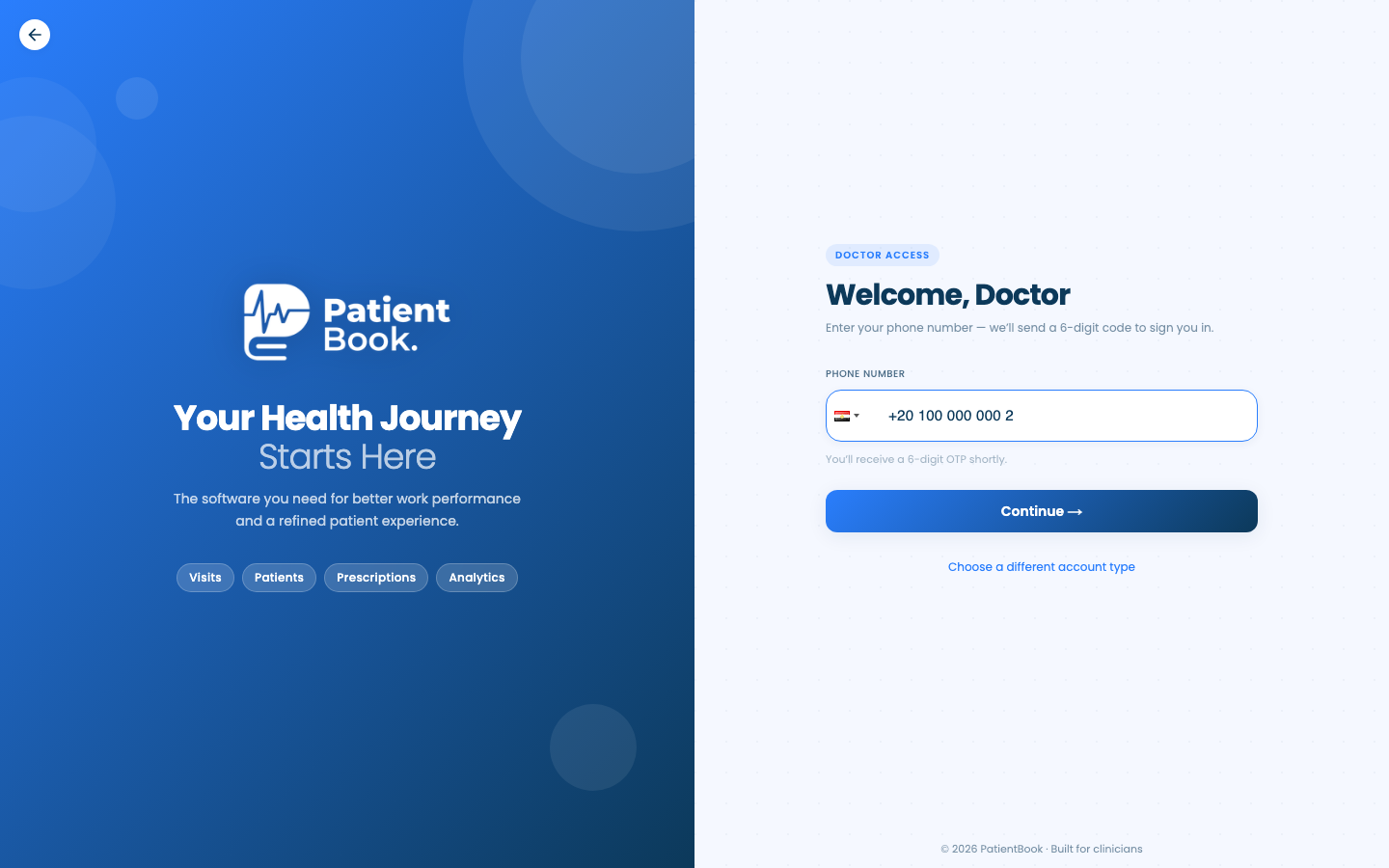
Type your mobile number. The country starts as Egypt; tap the flag to pick another.
Click Continue.
- 3
Enter the code
We send a 6-digit code to your phone. Enter it to sign in. A number we haven't seen before goes on to create a new account.
Choose your account
- Pick an account type · Only in the app
- Doctors: pick a clinic · Only in the app
Change it later
- 1
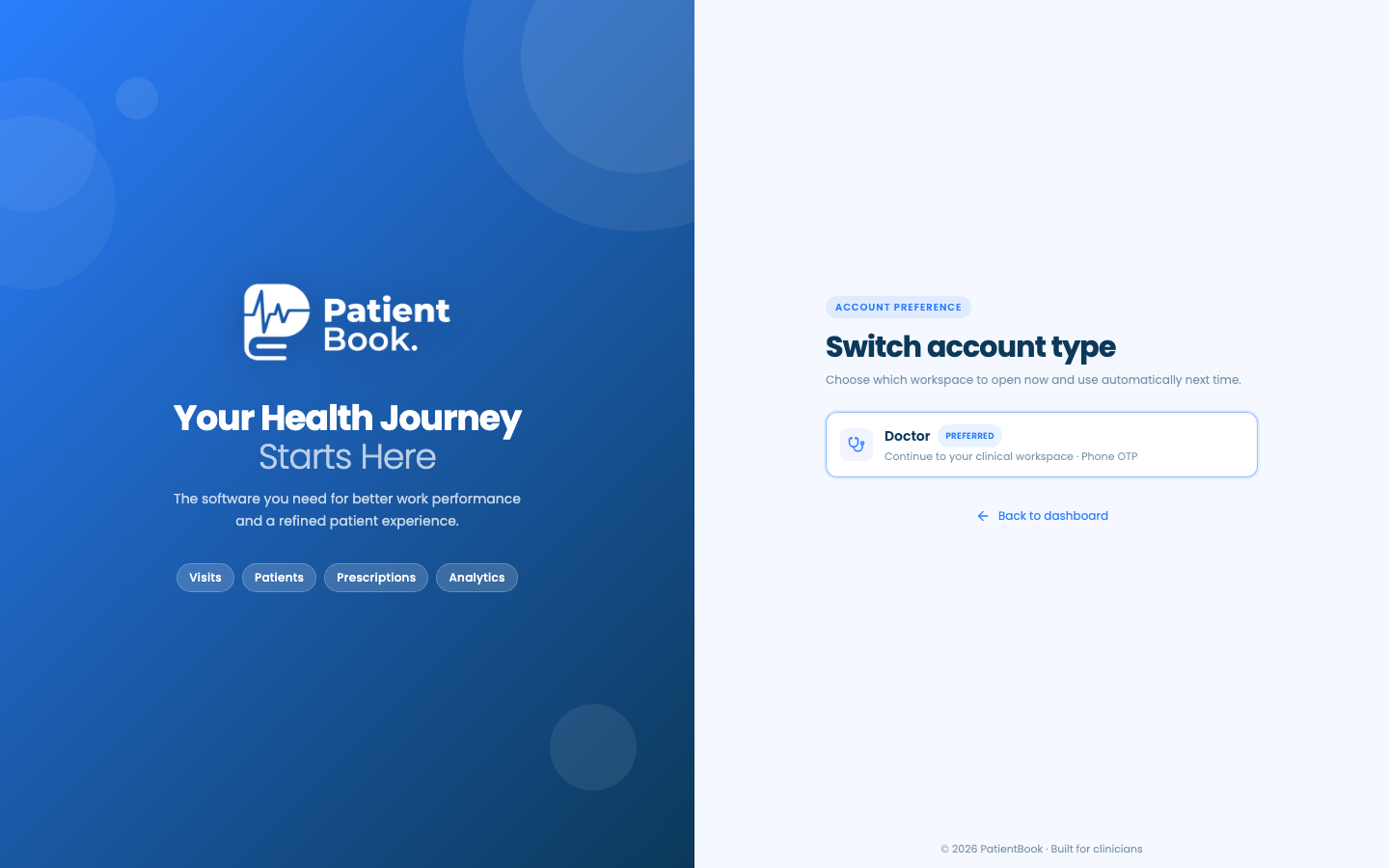
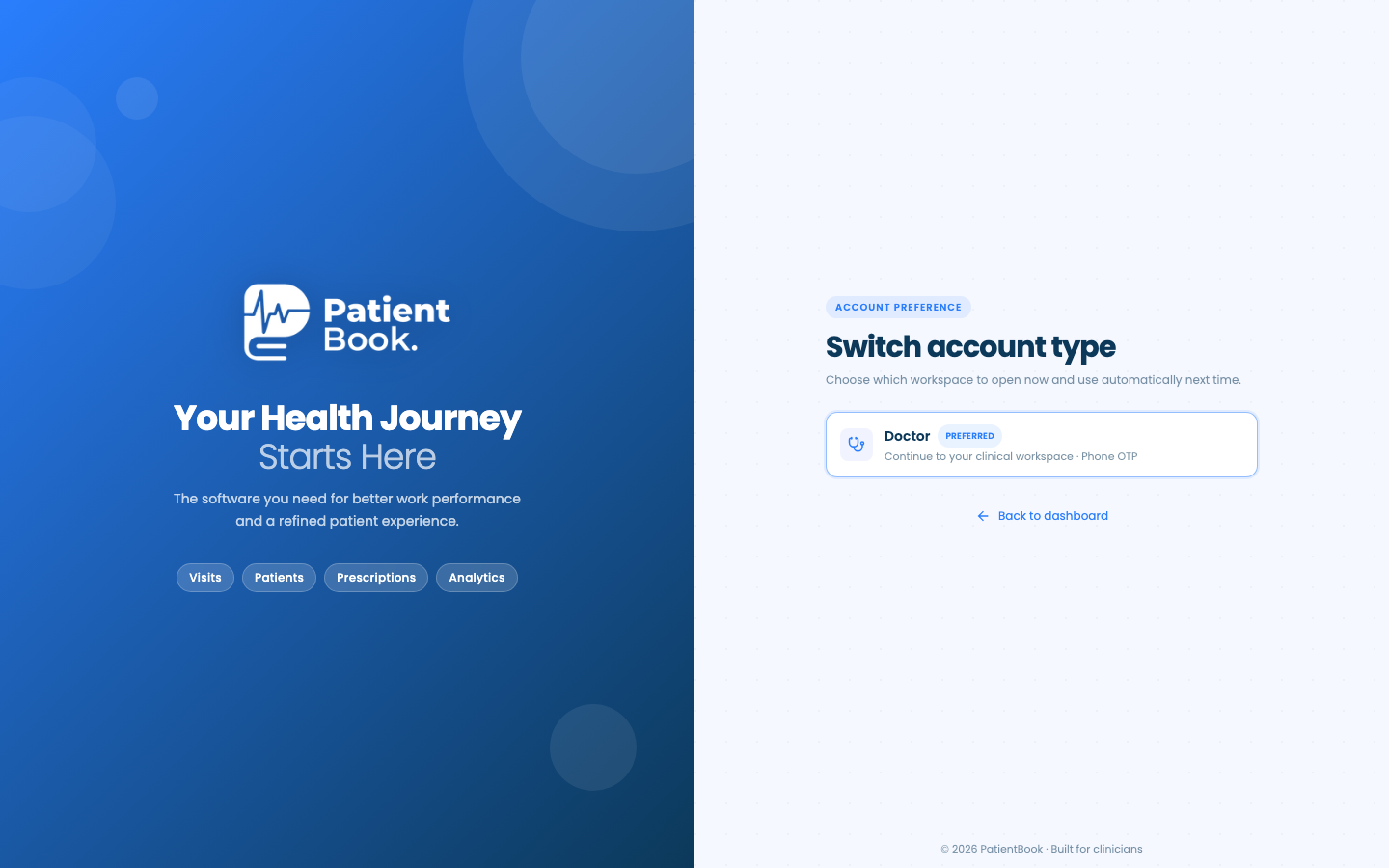
Switch account type
In the sidebar, click Switch account type. The page lists the workspaces your account has on the web and marks the one that opens by default.
- Change the language · Only in the app
Questions and answers
Can assistants and patients use the web portal?
No. The web portal is for doctors; assistants and patients use the app.
On the web vs in the app
| What | Web portal | App |
|---|---|---|
| Who signs in | Doctors, and polyclinic, lab and pharmacy staff | Doctors, assistants and patients |
| Choosing the account | On the first screen, before the phone number | After the code, when your number has more than one account |
| Language | English | English or Arabic for patients and assistants; English for doctors |
What's next
Updated: 18 October 2026
Still stuck?
Our team answers on WhatsApp and email.